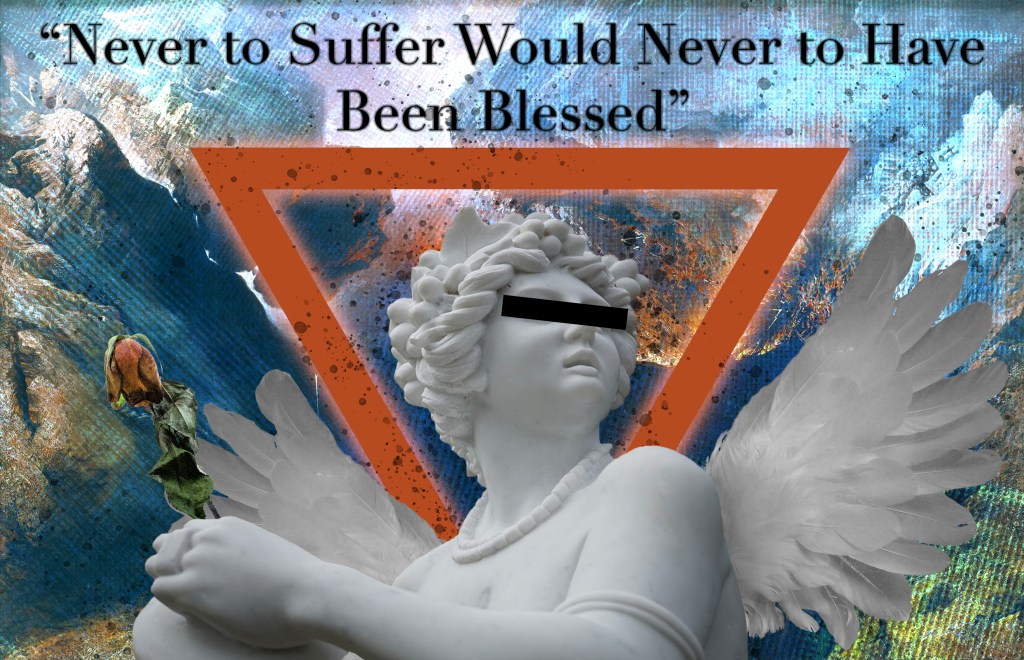
I used a lot of creativity to make this assignment. I made several selections from images and refined them when I put them all in a composition to make everything look cohesive. I kept in mind the theme of my piece to make it look creative and not overloaded with things that didn’t belong. I used the quick selection tool, the eraser tool, the clone stamp tool, and the paintbrush tool. I considered the color theme when creating this and tried to keep the hue consistent throughout the piece. The color mode is RGB color, the dimensions are 43.56 in x 28.1 in, and it is 72 PPI.
 CRyder Design
Leave a comment