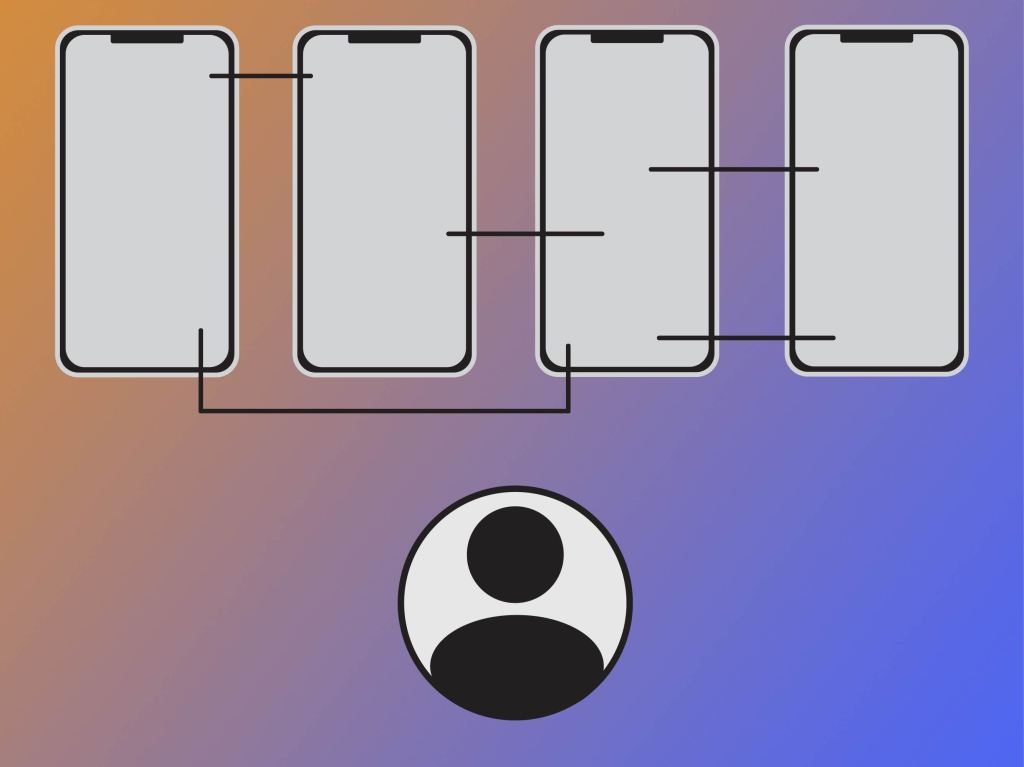
Prototyping is a step in the design process that truly brings your product to life. It makes what was once a static composition of a screen become a new interactive experience. A prototype allows the designer and the user to understand the true flow of the product, as well as if there are any obstacles or challenges that the user will have to overcome. There are multiple methods that a designer is able to utilize in order to see their product in action. These methods range from levels of low-fidelity to levels of high-fidelity, depending on the needs of the user, the designer, and the product.
Sketching is one of the simplest forms of prototyping that a designer can use. All that is required is a piece of paper and a pencil. Sketching does not require great skill at drawing, as long as you are able to communicate what the product will look like and how it will flow, that is all that you need. “Sketching is one of the earliest forms of prototyping you can use. It requires very little effort and does not necessarily rely on artistic levels of drawing skill to prove useful, and therein lies its value. Use sketches to illustrate your ideas and launch them into the real world — even the simplest and crudest of sketches can easily achieve that” (“Prototyping: Learn Eight Common Methods and Best Practices”). Moving up a level or so from sketched prototypes are paper prototypes. Paper prototypes not only include sketches but can also include other elements like cut-out pieces that can be moved around your design. They are a bit more interactive than sketches are as a result of the somewhat lively elements that cutouts bring to them. “Paper interfaces are handy at the early stages of prototyping for digital products. You can create paper interfaces by sketching them out, or by drawing and cutting out usable parts of a user interface (such as a text field or a dropdown menu, etc.)” (“Prototyping: Learn Eight Common Methods and Best Practices”). Storyboarding is another prototype method that is very user experience-centered. Storyboards enable designers to illustrate the journey the user will take as they use their product. “Storyboarding, as a prototyping method, ensures that we know our users well enough (it would be hard to sketch a storyboard otherwise) and allows us to keep in mind the context of the solution we are designing. It is useful for developing an empathic understanding of users — and for generating high-level ideation and discussions” (“Prototyping: Learn Eight Common Methods and Best Practices”).
In order to begin designing prototypes for a product, designers have to truly understand the actions taken on the user’s journey of using the product. “Starting to design applications without understanding flow is a wrong step and we will waste time and energy. Understanding flow first helps us to focus on what information we want users to see and what actions users need to take. So we can convey it in an effective way” (“Creating a High-Fidelity User Interface & Interactive Prototype in an Hour”).
 CRyder Design
Leave a comment